
The bet20 login guide supports returning users from the bet20 India account entry. It explains private-device use, OTP handling, wrong password checks, weak network issues, browser cache, wrong entry links and account verification messages without claiming to recover accounts.
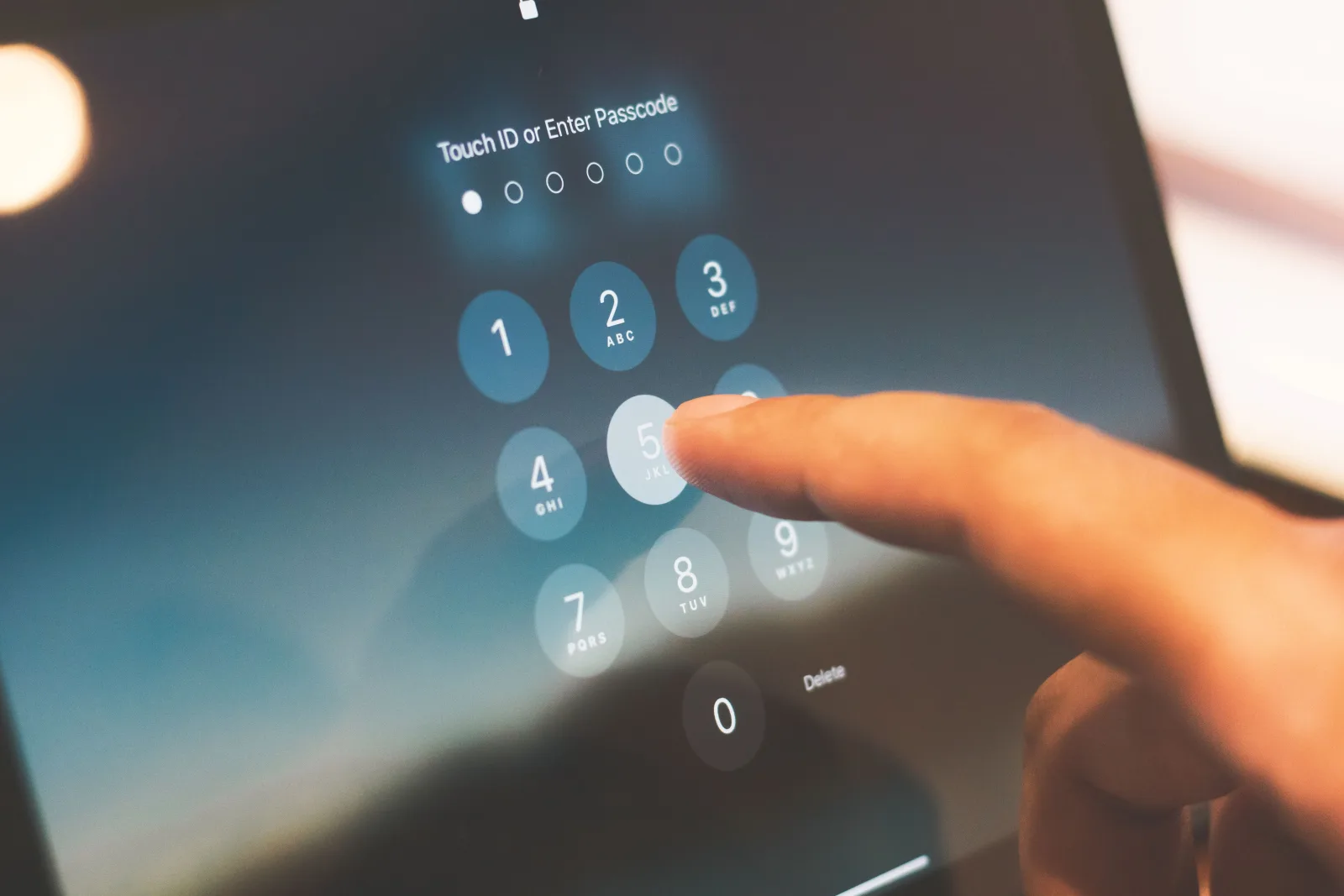
bet20 Login Overview
Login is a private account action. Use a trusted route, a personal device and a stable connection before entering credentials. A copied link from a message or comment should be treated carefully, especially if it asks for extra details.
The public WordPress site does not collect passwords, reset credentials, unlock accounts or handle private balances. It can only explain safer access habits and point users toward account, app, support and FAQ information.
Mobile Login Checklist
- Use a private phone or trusted browser session.
- Check the page address before typing account details.
- Keep OTP and account messages private.
- Avoid saving passwords on shared devices.
- Use stable mobile data or Wi-Fi before repeated attempts.
- Read app guidance if the login route moves to an app-style screen.
Password, OTP and Device Safety
A login password should not be reused across email, bank, wallet or social accounts. If a wrong password message appears, stop and check typing, keyboard language and saved-password behaviour before repeating attempts.
OTP and two-factor codes belong only in the trusted account flow. No support contact, payment message, private chat or ordinary public page should receive OTP, PIN, banking password or wallet login details.
Common Login Problems
| Problem | What India users should check | Safe response |
|---|---|---|
| Wrong password | Typing, saved password, keyboard layout and account route. | Use the service account recovery route only; this site cannot reset passwords. |
| OTP issue | Phone signal, message delay, device change and code expiry. | Do not share OTP with anyone. |
| Weak network | Mobile data, Wi-Fi, VPN or page timeout. | Retry from a stable connection before repeated attempts. |
| Browser cache | Old page, broken redirect or stale login screen. | Use a clean browser session when needed. |
| Wrong entry link | Copied messages, lookalike pages or unfamiliar prompts. | Close the page and reopen from a trusted route. |
| Account verification message | KYC, device check or account-status notice. | Read the account message and use trusted support guidance. |
Browser, Network and Cache Checks
A login issue is not always a password issue. Weak mobile data, outdated browser cache, blocked pop-ups, old tabs or repeated redirects can make the screen behave badly.
Close old tabs, update the browser, clear cache only when necessary and avoid entering details into several similar-looking pages. If mobile access changes suddenly, compare with the bet20 app guide.
Support Route for Account Access
When account access still fails, organise the issue before asking for help. Note whether the problem is password, OTP, network, browser cache, wrong entry link or account verification message.
The support information page explains safe issue categories. It does not publish unverified phone, WhatsApp, Telegram or email contacts and it cannot handle private accounts.
Open bet20 Login Entry
Use the entry route from a private device and keep password, OTP, PIN, wallet and banking details private.
Login FAQ
Can this site recover my bet20 password?
No. Public WordPress pages cannot view, recover, reset or verify private account passwords. Use only the service account recovery route or trusted account support guidance. Avoid messages that ask for OTP, PIN, banking details or screen sharing.
What should I check if bet20 login fails?
Check wrong password, OTP issue, weak network, browser cache, wrong entry link and account verification messages. Try a stable connection and a clean browser session before repeating attempts, because repeated failed login can create more confusion.
Why does OTP sometimes create login trouble?
OTP may be delayed by phone signal, message filtering, device changes or code expiry. Treat every OTP as private. A support message, payment contact or public website page should never ask you to share it.
Can I log in from mobile browser?
A mobile browser can be practical when the app source is unclear. Use a trusted browser, check the address, avoid saved passwords on shared phones and read the app page before installing any file or accepting unusual permissions.
What if I used a wrong entry link?
Close the page, stop entering details and reopen from a trusted route. If private details may have been exposed, use the proper account route to change credentials and avoid sharing further information through chats or unknown contacts.